
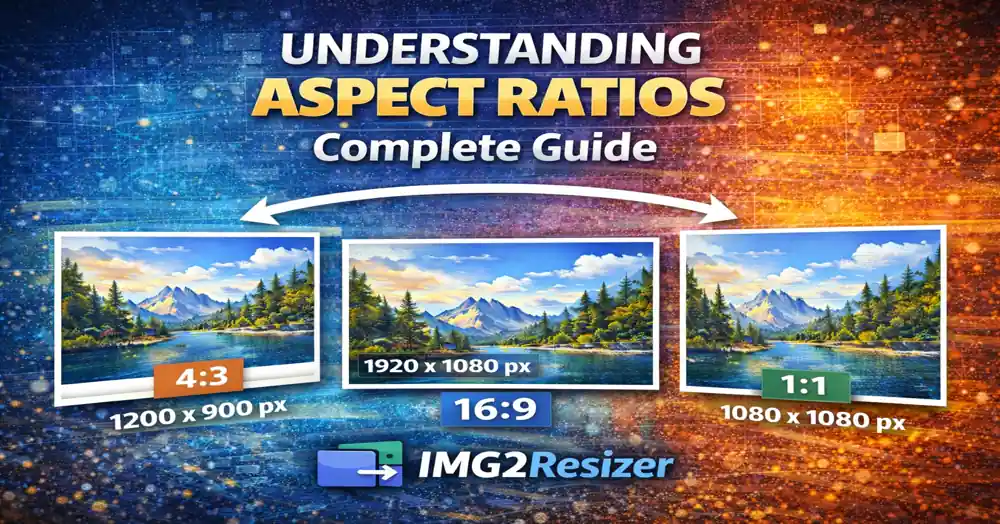
Understanding Aspect Ratios: Complete Guide
Posted on Nov 26, 2025 by img2resizer team
I stretched a square logo into a rectangle and wondered why it looked terrible. That's when I learned about aspect ratios. Once you understand them, you'll never produce distorted images again.
Simple Definition: Aspect ratio is the proportional relationship between width and height. 16:9 means for every 16 units wide, the image is 9 units tall.
Common Aspect Ratios Explained
1:1 (Square)
- Use for: Instagram posts, profile pictures, album covers
- Examples: 1080×1080, 500×500, 2000×2000
- Perfect for social media thumbnails and profile images
4:3 (Standard)
- Use for: Traditional photos, presentations, older TVs
- Examples: 1024×768, 1600×1200, 2048×1536
- Classic photo format, still common in compact cameras
16:9 (Widescreen)
- Use for: YouTube, TV, website banners, presentations
- Examples: 1920×1080, 1280×720, 2560×1440
- The modern standard for video and screens
9:16 (Vertical Video)
- Use for: TikTok, Instagram Stories/Reels, YouTube Shorts
- Examples: 1080×1920, 720×1280
- 16:9 rotated - designed for mobile viewing
3:2
- Use for: DSLR photos, print photography
- Examples: 1080×720, 4500×3000, 6000×4000
- Standard for most DSLR and mirrorless cameras
2:3 (Vertical Portrait)
- Use for: Pinterest pins, portrait photos, posters
- Examples: 1000×1500, 800×1200
- Pinterest's preferred format for maximum visibility
Why Aspect Ratio Matters
- Avoid distortion: Forcing wrong ratios stretches or squashes images
- Platform requirements: Each platform prefers specific ratios
- Visual consistency: Consistent ratios look professional
- Cropping prediction: Know what will be cut before uploading
Quick Ratio Calculator
Formula: Divide width by height
- 1920 ÷ 1080 = 1.78 (16:9)
- 1080 ÷ 1080 = 1.00 (1:1)
- 1200 ÷ 900 = 1.33 (4:3)
Common Mistakes to Avoid
- Stretching to fit: Never unlock aspect ratio when resizing
- Wrong ratio for platform: Check requirements before creating
- Ignoring safe zones: Keep important content in the center
- Mixing ratios: Use consistent ratios in galleries and feeds
Pro Tip: Always lock aspect ratio in your image editor. The chain link icon prevents accidental stretching.