
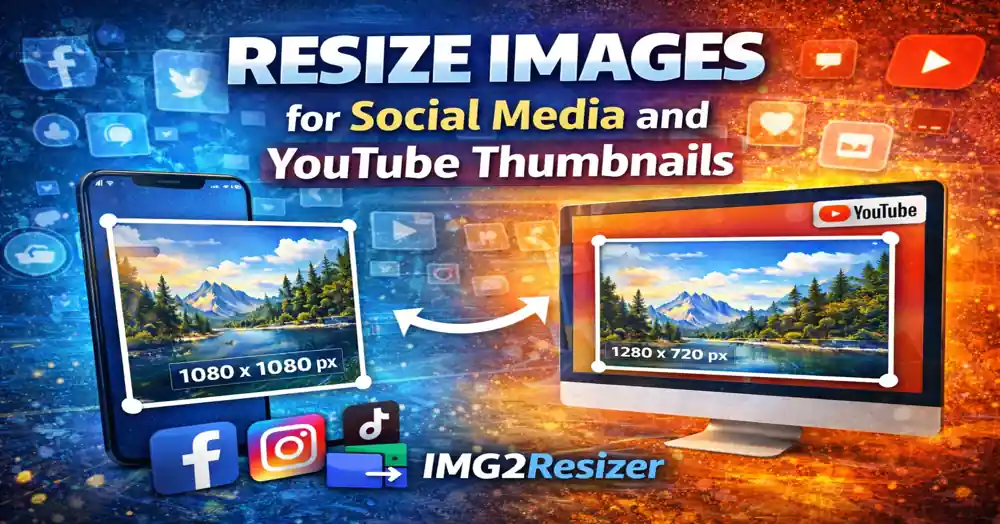
Resize Images for Social Media and YouTube Thumbnails
Posted on Nov 05, 2025 by img2resizer team
I uploaded a perfect landscape photo to Instagram. They cropped it to a square and cut out the sunset. Lesson learned: platforms have specific size requirements.
Instagram Image Sizes
- Square Post: 1080 × 1080 px (1:1)
- Portrait Post: 1080 × 1350 px (4:5)
- Landscape Post: 1080 × 566 px (1.91:1)
- Stories/Reels: 1080 × 1920 px (9:16)
- Profile Picture: 320 × 320 px
Facebook Image Sizes
- Feed Post: 1200 × 630 px
- Cover Photo: 820 × 312 px
- Profile Picture: 170 × 170 px
- Stories: 1080 × 1920 px
- Event Cover: 1200 × 628 px
YouTube Image Sizes
- Thumbnail: 1280 × 720 px (16:9) - Most important!
- Channel Banner: 2560 × 1440 px
- Profile Picture: 800 × 800 px
Thumbnail Tip: YouTube thumbnails are crucial for clicks. Use high contrast, readable text, and expressive faces. Always use custom thumbnails.
Twitter/X Image Sizes
- In-stream Photo: 1200 × 675 px (16:9)
- Header Photo: 1500 × 500 px
- Profile Picture: 400 × 400 px
LinkedIn Image Sizes
- Share Post: 1200 × 627 px
- Background Photo: 1584 × 396 px
- Profile Picture: 400 × 400 px
- Company Banner: 1128 × 191 px
TikTok Image Sizes
- Video/Content: 1080 × 1920 px (9:16)
- Profile Picture: 200 × 200 px
Pinterest Image Sizes
- Standard Pin: 1000 × 1500 px (2:3)
- Long Pin: 1000 × 2100 px
- Profile Picture: 165 × 165 px
Pro Tip: Pinterest loves vertical images. Longer pins get more visibility in the feed.
Quick Reference Cheat Sheet
| Platform | Main Post Size |
|---|---|
| 1080 × 1080 | |
| 1200 × 630 | |
| YouTube Thumbnail | 1280 × 720 |
| Twitter/X | 1200 × 675 |
| 1200 × 627 | |
| 1000 × 1500 | |
| TikTok | 1080 × 1920 |