
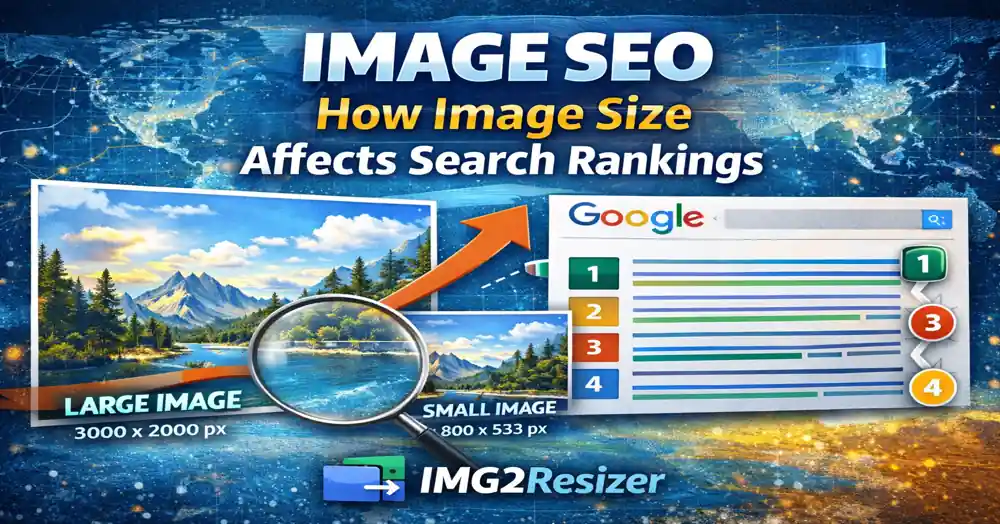
Image SEO: How Image Size Affects Search Rankings
Posted on Oct 08, 2025 by img2resizer team
I lost 40% of my traffic because of image size. Not dimensions - file size. My 5MB hero images were killing my page speed, and Google was punishing me for it.
The reality: Google's Page Experience update made image optimization a direct ranking factor. Slow images = lower rankings. Period.
Why Image Size Matters for SEO
- Page Speed: Large images slow down your entire page. Google measures this.
- Core Web Vitals: LCP (Largest Contentful Paint) directly affected by image size.
- User Experience: Slow loading = high bounce rates = lower rankings.
- Mobile First: Mobile users on slower connections suffer most.
Optimal Image Sizes for SEO
- Hero images: Under 200KB, max 1920px wide
- Blog images: Under 100KB, 1200px wide
- Thumbnails: Under 30KB, 400px wide
- Product images: Under 150KB, 800-1000px wide
Golden Rule: No single image on your website should exceed 200KB. Total page images should stay under 1MB.
Image Compression Best Practices
- JPEG quality: 80-85% - invisible quality loss, significant size reduction
- PNG: Use only when transparency needed
- WebP: 30% smaller than JPEG with same quality
- Always compress before uploading, not after
Image SEO Checklist
- Descriptive filenames: "red-running-shoes.jpg" not "IMG_1234.jpg"
- Alt text: Descriptive, keyword-rich, under 125 characters
- Responsive images: Use srcset for different screen sizes
- Lazy loading: Defer off-screen images
- Width/height attributes: Prevent layout shifts
- Image sitemap: Help Google discover your images
Tools for Image SEO
- PageSpeed Insights: Free Google tool for testing
- WebP Converter: Convert images to modern format
- Image Compressor: Reduce file size without quality loss